Images

Images |
|
To display an image on a Web
page, you encapsulate a reference to it in an os_image
object. The image itself is stored in a separate file in GIF or JPEG format, and
is displayed when the Web page is rendered. Using os_image()
alone or in conjunction with other classes, you can display the following kinds
of images.
You can also use another class to
display an image in the background of the page. This is the class os_page
. Refer to the Adding a Background Image section in this
chapter for more information.
There are attributes that control the alignment of images (top, middle, or bottom) with respect to the surrounding text. The following examples illustrate how to use images and control their alignment in a Web page.
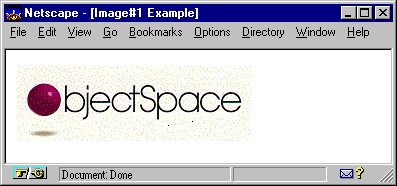
The following example uses os_image
to add the image oslogo.gif to a Web page.
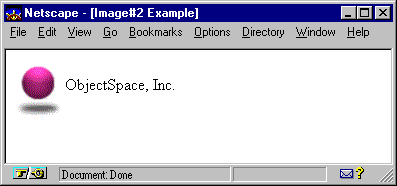
The following example adds text
to a Web page immediately following the image osball.gif. Using the os_image::middle
option, the image is center-aligned with the text.
#include <iostream.h>
#include <ospace/web.h>

int main()
  {
  os_page page( "Image#2 Example" );
  page << os_image( "osball.gif", os_image::middle )
       << "  Recursion Software LLC";
  cout << page;
  return 0;
  }
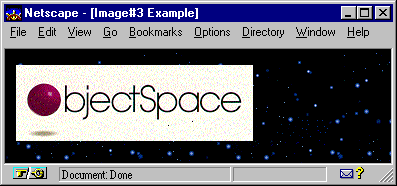
The following example creates a Web page using the contents found in the file stars.gif as the background.
A client-side image map is used to define regions of an image, each of which can contain its own hyperlink. You must specify the following to create a client-side image map.
os_image
object-Defines the image to display and the association to an os_image_map
by referencing the map name.os_area
objects-Defines the region(s) within the image and corresponding URL(s)
linked to a cursor selection in the area. Image map hyperlinks act the
same as text hyperlinks. For more information about hyperlinks, see the Hyperlinks
and Labels section in this chapter.A region can be a rectangle, circle, or polygon. Any area not specifically specified falls within the default region. The default region contains all points not contained in another region.
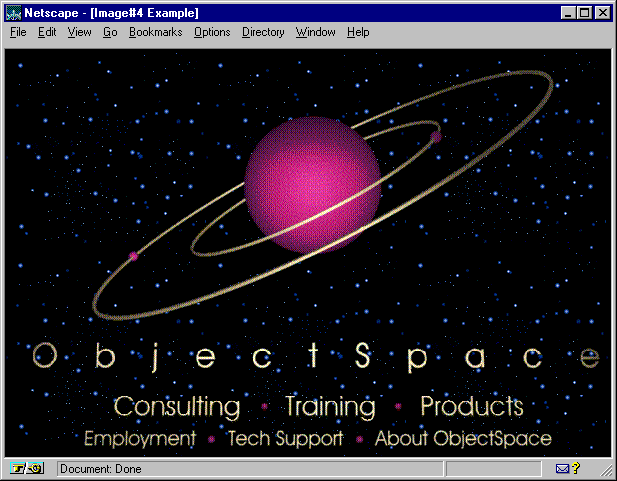
The following example overlays the background image with the image ospace.gif. It then defines an image map named test_map and specifies six regions that are hyperlinked to Consulting, Training, Products, Employment, TechSupport, and About Web pages.
#include <iostream.h>
#include <ospace/web.h>

int main()
  {
  os_page page( "Image#3 Example" );
  page.background( "stars.gif" );

  // client-side image map creation - first create the image and specify map
  os_image image( "ospace.gif", os_image::top );
  image.border(0);   // get rid of outline of image on background
  image.usemap( "", "test_map" );

  // create the image map specified above.  all os_areas specify links based
  // on rectangular areas within the actual graphic.
  os_image_map image_map( "test_map" );
  image_map
    << os_area( "http://www.recursionsw.com/Consulting/", 81,322, 217, 358 )
    << os_area( "http://www.recursionsw.com/Training/", 250, 322, 355, 358 )
    << os_area( "http://www.recursionsw.com/Products/", 387, 322, 503, 358 )
    << os_area( "http://www.recursionsw.com/Employment/", 48, 359, 177, 388 )
    << os_area( "http://www.recursionsw.com/TechSupport/", 196, 359, 321, 388 )
    << os_area( "http://www.recursionsw.com/About/", 346, 359, 525, 388 );

  page << os_center( image );
  page << image_map;
  cout << page;
  return 0;
  }
Copyright©1994-2026 Recursion
Software LLC
All Rights Reserved - For use by licensed users only.