Defining the Web Page

Defining the Web Page |
|
In order to view the output of Web<ToolKit> in a browser, the output must be contained in a page object. The first element of a Web page you must define is the page itself. You can use one of the following classes to define a Web page.
os_page
-Defines a Web page that cannot contain frames.os_framed_page
-Defines a Web page that contains one or more frames. Refer to Creating
Frames for more details on defining pages that contain frames.Once you have defined a Web page, you can add elements to it. There are two ways to add elements to a Web page using Web<ToolKit>.
In addition to os_page
and os_framed_page , all classes that inherit os_element_group
understand add() and operator<<
. For convenience, all streaming and add()
interfaces also accept character strings. An example of how to use each of these
methods is described below.
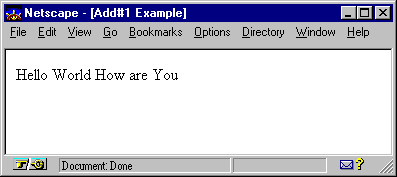
The following example creates
an os_page object page
and places two text elements on it using add() .
The first add() explicitly creates an os_text
object. The second add() uses the character
string interface to implicitly create an os_text
object.
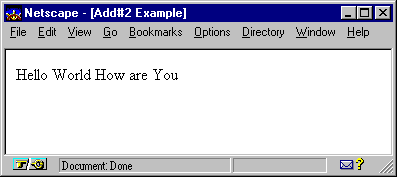
As an alternative to add()
, Web<ToolKit> provides operator<<
equivalent. The following example is exactly like the previous one, except the
operator<<
interface is used instead of add() .
Copyright©1994-2026 Recursion
Software LLC
All Rights Reserved - For use by licensed users only.